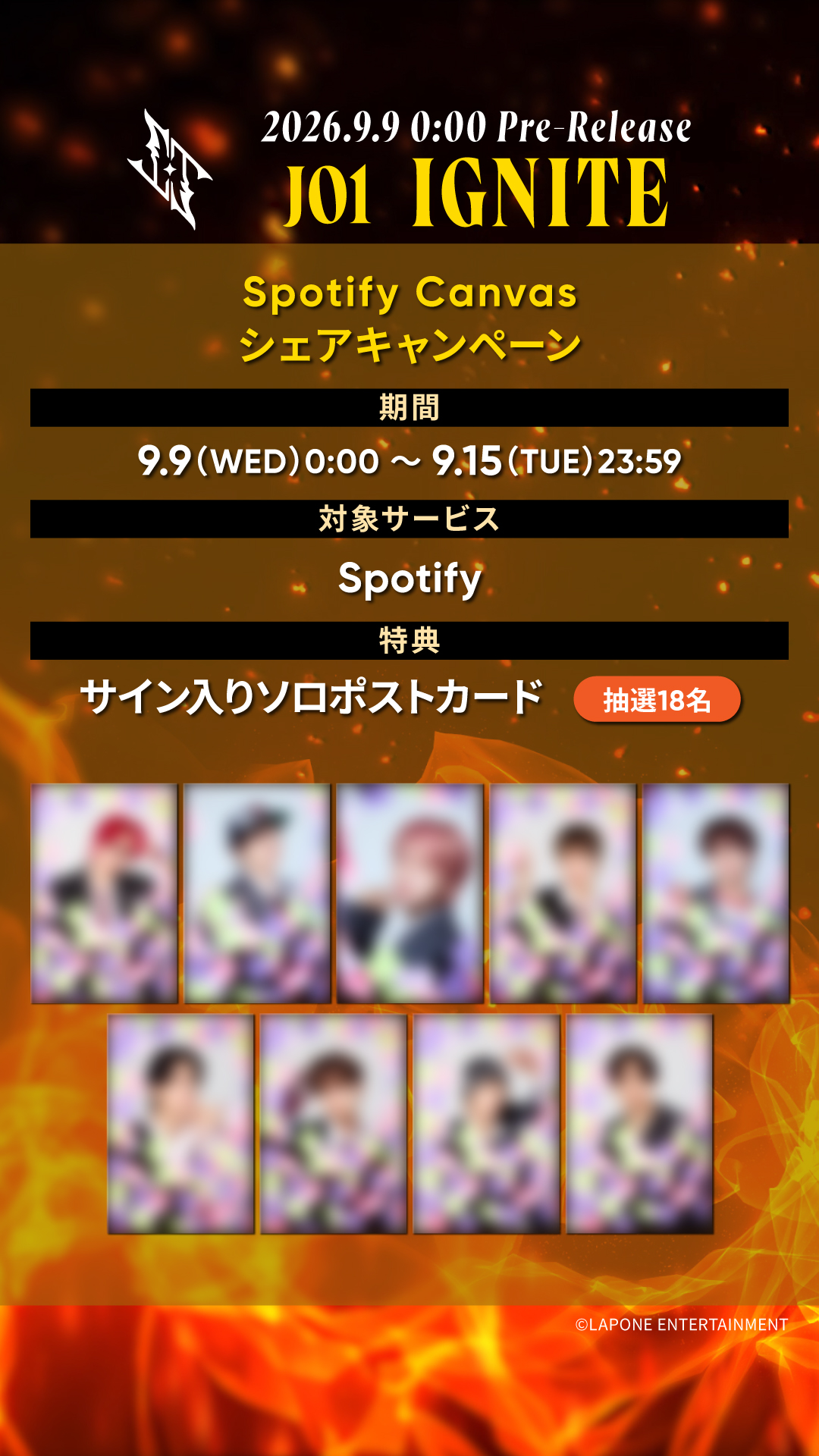
JO1「IGNITE」Spotify Canvasシェアキャンペーン開催!
2026.09.09
NEWS
JO1「IGNITE」をたくさんシェアしてプレゼントをGETしよう!!
Spotifyモバイルアプリで「IGNITE」を再生し、対象期間中にInstagramストーリーズ、またはX(旧Twitter)でシェアしてくれた方の中から抽選で素敵なプレゼントを差し上げます!
詳細は下記をご確認ください。是非この機会にたくさんシェアしてくださいね!
※Canvasは、Spotifyモバイルアプリで楽曲を再生した際に、シングルやアルバムカバーの代わりに表示される短いループ映像です。
■プレゼント内容
<抽選18名様>サイン入りソロポストカード
■抽選対象
Spotifyモバイルアプリで「IGNITE」を再生し、対象期間中に下記の手順に沿ってInstagramまたはX(旧Twitter)でJO1公式アカウントにメンションし、ハッシュタグ「#IGNITE_Spotify」をつけてシェアしてくれた方
■対象期間
2026年9月9日(水)0:00~2026年9月15日(火)23:59
■シェア手順
STEP①
Spotifyモバイルアプリで「IGNITE」を再生し、Canvasを全画面表示させてください。
※Canvasを全画面表示させるには、楽曲を選択した後、下部の再生バーをタップしてください。
「IGNITE」の視聴はこちら:https://open.spotify.com/album/6oe0WkbMxVo7ZlAnwWbFGW
STEP②
再生画面右上の「...」アイコンをタップして、「シェア」→「Instagramストーリーズ」または「X(旧Twitter)」を選択し、JO1公式アカウント(@official_jo1)にメンションし、ハッシュタグ「#IGNITE_Spotify」をつけてシェアしてください。
※シェアの回数に制限はございませんので、たくさんシェアしていただけるとうれしいです。
<Canvasについて>
Canvas機能はSpotifyモバイルアプリにのみ対応しています。PCには対応しておりません。
お楽しみいただくにはSpotifyモバイルアプリのインストールが必要となります。
既にインストール済みの方は、最新バージョンにアップデートされているかご確認ください。
ご利用プランの有料、無料に関わらずお楽しみいただけます。
►Spotifyアプリダウンロード
【App Store】https://apps.apple.com/app/spotify-music/id324684580
【Google Play】https://play.google.com/store/apps/details?id=com.spotify.music
※Canvasが表示されない方は、下記をお試しください。
1.アプリのホーム画面右上の「設定」アイコンをタップ
2.「データ節約モード」をタップし、「データ節約モード」がオフになっていることを確認
3.「再生」をタップし、一番下「Canvas」がオンになっていることを確認
4.アプリを再起動し楽曲を再生
■当選発表
ご当選者にのみ、JO1公式アカウント(@official_jo1)よりDMにてご連絡いたします。
JO1公式アカウント(@official_jo1)をフォローし、DMを受け取れる状態にしておいてください。
当落に関するお問い合わせには、一切お答えできませんので予めご了承ください。
賞品の発送は日本国内に限ります。長期不在や住所不明でお届けできなかった場合、当選権利は無効とさせていただきます。
※賞品の発送は2026年10月上旬〜中旬を予定しております。
■注意事項
※非公開アカウントでシェア投稿された場合は抽選の対象外となりますのでご注意ください。
※賞品の第三者への転売・譲渡等の行為は固くお断りいたします。
※Spotifyへの本キャンペーンに関するお問い合わせはお控えください。